Writing Your First Payload
Making CatScratch payloads on the USB Nugget
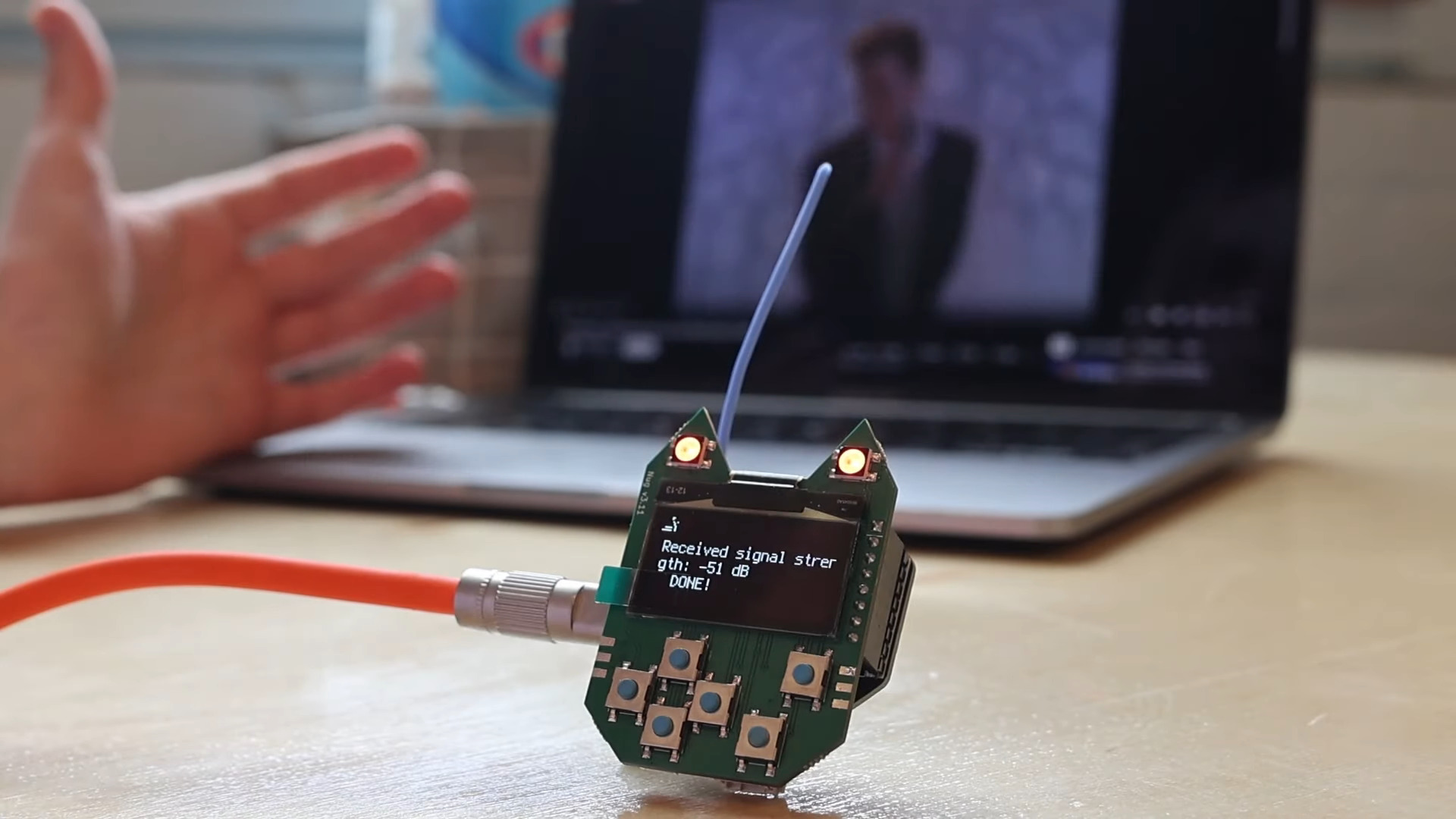
The USB Nugget supports CatScratch, making it easy to create your first payload!
If you need inspiration, you can find a list of payloads on the Hak5 GitHub repository, which can be converted to CatScratch with our converter tool.
To get started, let’s review the full list of CatScratch commands the USB Nugget supports.
CatScratch Payload Structure
When writing a CatScratch payload, commands are executed line by line. It’s also possible to press multiple keys at the same time by putting commands on the same line!
To write out a piece of text, type TYPE (or STRING) in all caps. See the example below for how this works:
| Command | Result |
|---|---|
| SHIFT C | Press the Shift key and the c key |
| TYPE Hello | Type out the word “Hello” |
| ALT F4 | Press the Alt key and the F4 key |
To stop a payload while it’s running, hold the B button on the Nugget.
Built-in Commands
Now that we have the basics down, let’s take a look at supported commands:
| Command | Usage | Description |
|---|---|---|
// / REM |
// [ANY] |
Comments — ignored by the interpreter |
TYPE / STRING |
TYPE [STR] |
Types whatever string follows the command |
STRINGLN |
STRINGLN [STR] |
Types the string and then presses Enter |
WAIT / DELAY |
WAIT [INT] |
Sets a one-time delay in ms |
DEFAULTWAIT |
DEFAULTWAIT [INT] |
Sets the default time in ms between each command |
LED |
LED [CHAR] |
Changes the color of the built-in Neopixel |
SCREEN |
SCREEN [STR] |
Displays the string after the command on the Nugget’s screen |
LOCALE |
LOCALE [STR] |
Sets the keyboard layout (e.g. US) |
Mouse Commands
The USB Nugget can act as a mouse as well as a keyboard:
| Command | Usage | Description |
|---|---|---|
MOUSE_MOVE |
MOUSE_MOVE [X] [Y] |
Moves the cursor by X, Y pixels (relative to where it is) |
MOUSE_CLICK |
MOUSE_CLICK [L/R/M] |
Clicks Left (default), Right, or Middle |
MOUSE_DOUBLE |
MOUSE_DOUBLE |
Double-clicks (left button) |
MOUSE_SCROLL |
MOUSE_SCROLL [INT] |
Scrolls up (positive) or down (negative) |
JIGGLE |
JIGGLE |
Nudges the cursor — handy for keeping a machine awake |
Loops and Repeats
Repeat commands without copy-pasting them:
| Command | Usage | Description |
|---|---|---|
REPEAT |
REPEAT [INT] |
Repeats the previous line the given number of times |
LOOP / ENDLOOP |
LOOP [INT] … ENDLOOP |
Repeats every line between LOOP and ENDLOOP. Loops can be nested. |
If you leave off ENDLOOP, the loop simply repeats everything after it to the end of the payload.
1 2 3 4 | |
OS Detection
The Nugget detects the host operating system, so one payload can behave differently on Windows, macOS, and Linux.
| Command | Usage | Description |
|---|---|---|
IF_OS / ELSE / END_IF |
IF_OS [NAME] … ELSE … END_IF |
Runs a block only on the matching OS. NAME is WINDOWS, MACOS, or LINUX (WIN, MAC, OSX also work). Single level — not nested. |
$_OS |
TYPE $_OS |
A token replaced with the detected OS name (WINDOWS/MACOS/LINUX) when the payload runs |
1 2 3 4 5 6 7 | |
Supported LED Colors
The USB Nugget supports the following LED colors:
| Code | Color |
|---|---|
R |
Red |
G |
Green |
B |
Blue |
Y |
Yellow |
M |
Magenta |
C |
Cyan |
W |
White |
Supported Keys
Most standard keys are supported by the USB Nugget.
| Key |
|---|
a-z |
A-Z |
0-9 |
F1-F12 |
!@#$%^&*()_-=+, etc |
Modifier Keys
Keys like SHIFT, ALT, and the WINDOWS/GUI key can be useful for accessing hotkey combinations, and are frequently used in combination key presses.
| Key |
|---|
CTRL/CONTROL |
SHIFT |
ALT |
WINDOWS/CMD/GUI |
Other Useful Keys
Virtually anything you can do behind a keyboard can be recreated with the right keypresses. The following keys are essential to trigger keyboard shortcuts and navigate without a mouse.
| Key |
|---|
ENTER |
MENU/APP |
DELETE |
HOME |
INSERT |
PAGEUP |
PAGEDOWN |
UP |
DOWN |
LEFT |
RIGHT |
TAB |
ESC |
SPACE |
BACKSPACE |
END |
CAPSLOCK |
SCROLLLOCK |
NUMLOCK |
PRINTSCREEN |
PAUSE/BREAK |
Example Payloads
A few complete payloads to get you started:
Type a greeting
1 2 3 | |
Keep a machine awake (mouse jiggler)
1 2 3 4 5 | |
Open a terminal, whatever the OS
1 2 3 4 5 6 7 8 9 10 11 | |
Now that we’ve gone over the supported CatScratch commands, let’s load and deploy a payload to the USB Nugget.